
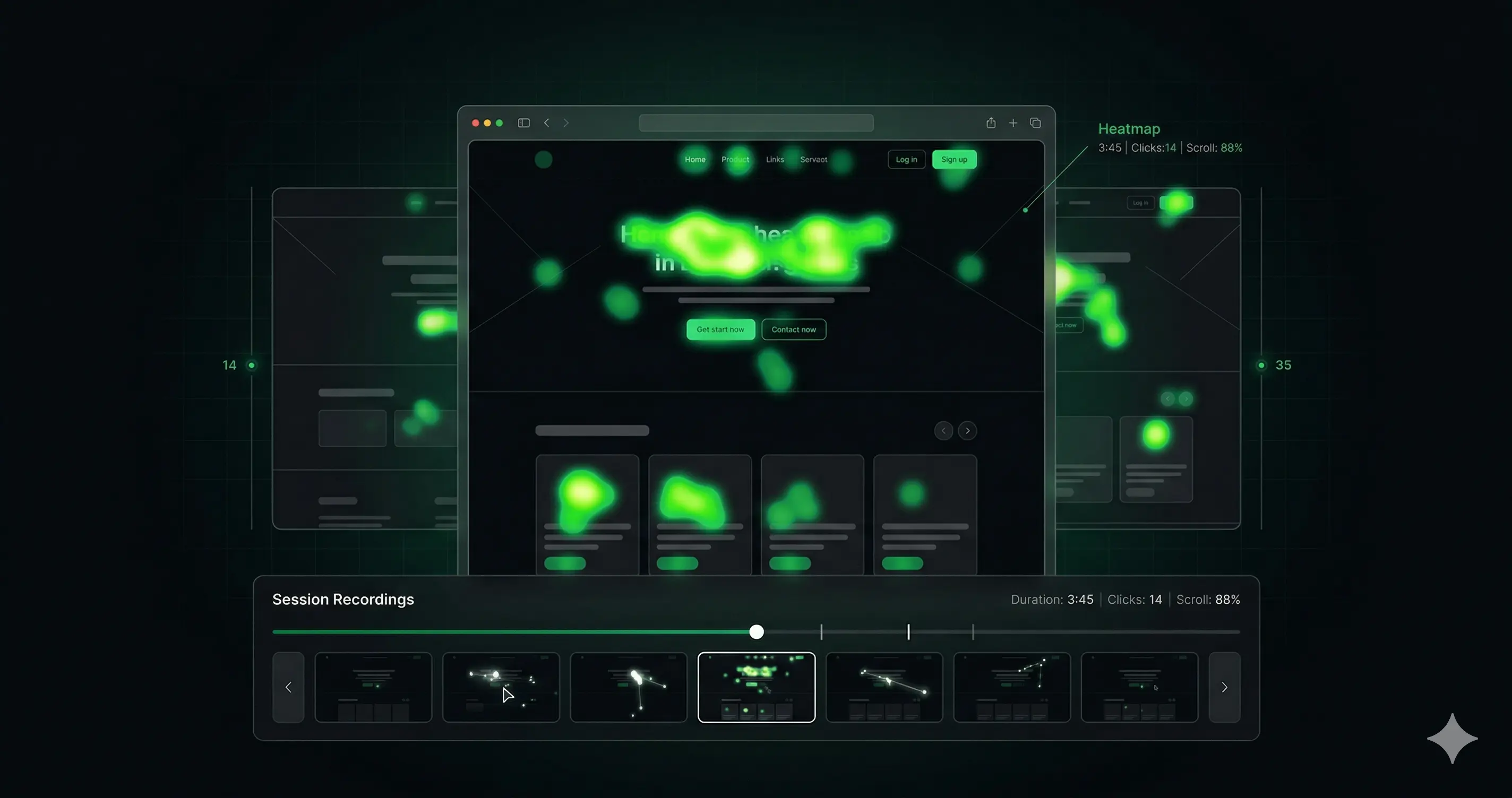
Hotjar was acquired by Contentsquare in 2021. Since then, the free plan has been cut, pricing has increased, and many teams — especially those in Europe with GDPR obligations — have started looking for alternatives.
I’ve used most of the tools on this list across client projects. Here’s an honest comparison of what each one does well, what it doesn’t, and who should use it.
Why Teams Are Leaving Hotjar
Before the comparison, it’s worth understanding what’s actually driving people to look for alternatives:
Pricing: Hotjar’s free plan now limits you to 35 session recordings per day. For anything meaningful, you’re paying €39+/month (Plus) or €99+/month (Business). That’s reasonable for large teams but significant for small businesses and freelancers.
Contentsquare acquisition concerns: Some enterprise teams have concerns about data sharing after the acquisition. For GDPR-sensitive organisations, data residency questions matter.
Feature bloat: Hotjar has added surveys, interviews, and feedback tools. Teams that only need recordings and heatmaps are paying for features they don’t use.
The 7 Best Hotjar Alternatives
1. Microsoft Clarity — Best Free Option
Price: Free, unlimited Best for: Teams that need recordings and heatmaps with no budget
Microsoft Clarity is the most compelling free alternative. It offers:
- Unlimited session recordings (no daily cap)
- Heatmaps and scroll maps
- Click maps
- “Dead clicks” and “rage clicks” detection
- Basic dashboard with session filtering
- Google Analytics 4 integration
The catch: Clarity is a Microsoft product, which means your data goes to Microsoft. For GDPR-conscious European companies, this requires a Data Processing Agreement — Clarity provides one, but some legal teams flag the US data residency.
Clarity also lacks surveys, funnel analysis, and user research features. It’s a pure recordings + heatmaps tool.
Verdict: If your primary need is session recordings and heatmaps, Clarity is hard to argue with at €0/month. It’s what I recommend to clients with sub-€100/month tool budgets.
2. Lucky Orange — Best for E-commerce
Price: From $19/month (100 sessions/day) Best for: Shopify and WooCommerce stores, small e-commerce teams
Lucky Orange packages more features into a lower price point than Hotjar:
- Session recordings
- Dynamic heatmaps (show click and scroll behaviour for specific segments)
- Conversion funnels
- Form analytics (shows field-level abandonment)
- Live visitor view (watch sessions in real time)
- On-site surveys and chat
The live visitor view is genuinely useful for e-commerce — you can watch a customer struggling with your checkout in real time and intervene with live chat if needed.
Verdict: Strong value for e-commerce teams. The form analytics alone (showing exactly which form fields cause abandonment) justify the $19/month for most shops.
3. Mouseflow — Best Hotjar Direct Replacement
Price: From $31/month (500 sessions/month) Best for: Teams that want Hotjar’s feature set at lower cost
Mouseflow is the closest feature-for-feature alternative to Hotjar:
- Session recordings with friction score
- 6 heatmap types (click, scroll, movement, attention, live, geo)
- Conversion funnels
- Form analytics
- User feedback surveys
- Friction detection (rage clicks, error clicks, U-turns)
The interface is less polished than Hotjar but the data quality is comparable. The friction score (automatic detection of sessions with high frustration signals) is a useful feature for CRO prioritisation.
Verdict: If you’re a current Hotjar user who primarily uses recordings and heatmaps, Mouseflow is the most direct replacement at lower cost. The feature parity is high.
4. Smartlook — Best for Product Analytics + Recordings
Price: From €55/month (after free tier) Best for: SaaS products, apps, teams that want automatic event tracking
Smartlook differentiates on automatic event tracking — it captures all clicks, form interactions, and page transitions automatically, without requiring you to set up custom events. This is valuable if you have a complex SaaS product with many interaction points.
Features:
- Session recordings
- Heatmaps
- Automatic event tracking (no manual setup)
- Funnel analysis
- Crash detection (for mobile apps)
- Retention analysis
Smartlook is stronger than Hotjar for product analytics. It’s weaker for user research (no surveys or feedback widgets).
Verdict: Best choice for SaaS products and web apps where you want to understand feature usage patterns alongside standard CRO data.
5. FullStory — Best for Enterprise
Price: Custom (starts ~$1,000+/month for enterprise) Best for: Large teams, enterprise, complex digital products
FullStory is in a different category from the others — it’s an enterprise-grade digital experience platform, not just a recordings tool. It captures every interaction automatically (DX Data) and allows retroactive analysis: you can ask a question you didn’t think to track in advance and get an answer from historical data.
For most small and mid-market businesses, FullStory is overkill and over-budget. For enterprise teams with complex digital products and dedicated data teams, it’s significantly more powerful than Hotjar.
Verdict: Only relevant if you have enterprise budget and a team who will actually use the advanced analytics. Everyone else: use one of the above.
6. Crazy Egg — Best for Quick Heatmap Snapshots
Price: From $29/month Best for: Teams that primarily need heatmaps, not deep recordings
Crazy Egg was the original heatmap tool before Hotjar dominated the market. It’s simpler and more focused:
- Confetti map (shows individual click sources)
- Heatmap and scroll map
- Session recordings
- A/B testing (basic)
- Traffic source overlay
The A/B testing feature is genuinely useful — it’s a simple visual editor that lets you run basic tests without a separate tool. For teams wanting heatmaps + lightweight testing in one subscription, Crazy Egg is worth considering.
Verdict: Solid but not the best value vs. alternatives at the same price point. The built-in A/B testing is the main differentiator.
7. Heap — Best for Retroactive Analytics
Price: Free tier available, paid from ~$3,600/year Best for: Product teams, data-driven organisations
Like FullStory, Heap captures all user interactions automatically and lets you define events retroactively. The key Heap use case: something happened in your data 3 months ago and you want to understand it — Heap lets you query historical data even for events you didn’t specifically tag.
Heap is more analytics-oriented than CRO-oriented. You won’t get qualitative heatmaps and recordings front-and-centre — you’ll get a powerful query engine for understanding user behaviour at scale.
Verdict: For product analytics teams, Heap is excellent. For standard CRO work (recordings, heatmaps, understanding individual sessions), it’s not the right tool.
Comparison Table
| Tool | Price/month | Recordings | Heatmaps | Surveys | Funnels | Best For |
|---|---|---|---|---|---|---|
| Microsoft Clarity | Free | Unlimited | ✓ | ✗ | ✗ | Budget-conscious teams |
| Lucky Orange | $19+ | 100/day | ✓ | ✓ | ✓ | E-commerce |
| Mouseflow | $31+ | 500/mo | ✓ | ✓ | ✓ | Hotjar replacement |
| Smartlook | €55+ | ✓ | ✓ | ✗ | ✓ | SaaS products |
| Crazy Egg | $29+ | ✓ | ✓ | ✗ | ✗ | Heatmaps + basic A/B |
| FullStory | Custom | ✓ | ✓ | ✗ | ✓ | Enterprise |
| Heap | Free+ | ✗ | ✗ | ✗ | ✓ | Product analytics |
| Hotjar | €39+ | 100/day | ✓ | ✓ | ✓ | All-in-one research |
Which Should You Choose?
You’re on a tight budget: Microsoft Clarity. It’s free, unlimited, and covers the core use cases.
You run an e-commerce store: Lucky Orange at $19/month. The form analytics and live view are worth it.
You’re switching from Hotjar and want the same experience: Mouseflow. Feature parity is high, pricing is lower.
You have a SaaS product: Smartlook for recordings + auto-tracking, or Heap if you have a dedicated analytics function.
You’re an enterprise team: FullStory or stay on Hotjar Business.
How to Actually Get Value From a Heatmap Tool
The tool choice matters less than the process you use once you’ve installed it. Most teams install a heatmap tool, look at it once, and never generate a single meaningful insight. Here’s the workflow that actually produces results.
Step 1: Pick 3 Pages That Matter
Don’t record everything. Start with the three pages that have the most impact on your conversion rate:
- Your highest-traffic landing page or homepage
- Your pricing page (or the equivalent for your business model)
- Your primary conversion page (checkout, contact form, demo request)
Everything else is noise until you’ve fully understood these three.
Step 2: Set a Minimum Session Threshold Before Reviewing
Heatmaps need statistical weight to be useful. A heatmap built on 15 sessions is random noise. Before reviewing:
- Click maps and heatmaps: minimum 200 sessions per page
- Session recordings: watch at least 20–30 before drawing conclusions
- Mobile vs desktop: segment from the start — combined heatmaps obscure mobile-specific friction
Step 3: Watch Recordings With a Specific Question
Don’t watch recordings passively. Before each recording session, write one question you’re trying to answer:
- “Why are visitors leaving the pricing page without clicking the CTA?”
- “Where does the checkout form cause the most hesitation?”
- “Are visitors finding the navigation confusing?”
Watching 20 recordings with a specific question produces 10x more useful observations than watching 100 recordings aimlessly.
Step 4: Look for Patterns, Not Individual Sessions
One visitor clicking in an unusual place is meaningless. The same behaviour repeated across 15 recordings is a pattern. Document behaviours by frequency:
| Behaviour | Occurrences | Hypothesis |
|---|---|---|
| Rage clicks on pricing table header | 8/20 sessions | Table isn’t clearly interactive — visitors expect it to be clickable |
| Scroll stops at testimonial section | 14/20 sessions | Social proof section holding attention — could be a CTA placement opportunity |
| Form field 3 causes longest pause | 12/20 sessions | ”Company size” field raises hesitation — consider removing |
Step 5: Translate Observations Into Testable Hypotheses
Every pattern becomes a hypothesis: “We believe that [change] will [result] because [evidence from recordings].”
This is how you connect heatmap data to A/B tests. Without this step, you have observations. With it, you have a CRO programme.
For the full framework on how to turn recordings and heatmaps into CRO wins, see What Is CRO and Voice of Customer Research.
GDPR and Privacy Considerations
If you operate in Europe or have European visitors, data privacy is a real factor in your tool selection.
Microsoft Clarity: Data is stored on Microsoft servers in the US. A GDPR-compliant Data Processing Agreement is available, but some legal teams flag the US residency. Clarity does mask sensitive data (form inputs, passwords) by default.
Mouseflow: GDPR-compliant with data residency options in the EU. This is one of Mouseflow’s advantages for European companies.
Lucky Orange: US-based data storage. GDPR DPA available.
Smartlook: Czech-based company, GDPR-native. EU data residency available. Often a strong choice for European SaaS companies specifically for this reason.
FullStory: US-based but has GDPR compliance infrastructure and EU data hosting options for enterprise customers.
For any of these tools: check your consent management platform (CMP) setup. Recording tools should only activate for visitors who have consented to analytics tracking — most tools have conditional loading options to support this.
Whichever tool you use, the tool is only as useful as the process you have for acting on the data. Session recordings that no one watches and heatmaps that aren’t connected to hypotheses don’t improve conversion rates.
Want help setting up a proper CRO research stack for your site? Book a free audit.